
VAG Multimedia Full Activation for Retrofits
Available Options
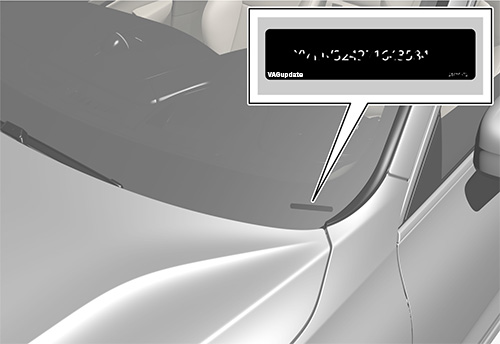
Vehicle Identification Numnber (VIN)
You can find it on bottom right corner for your car's front glass or in registration decuments.
This is required to register your update to the dealer network.
| full link seat full link enable full link full link activation activate full link app connect retrofit |
Product Description
VAG Multimedia Full Activation for Retrofits
Seat Multimedia Full Activation for Retrofits
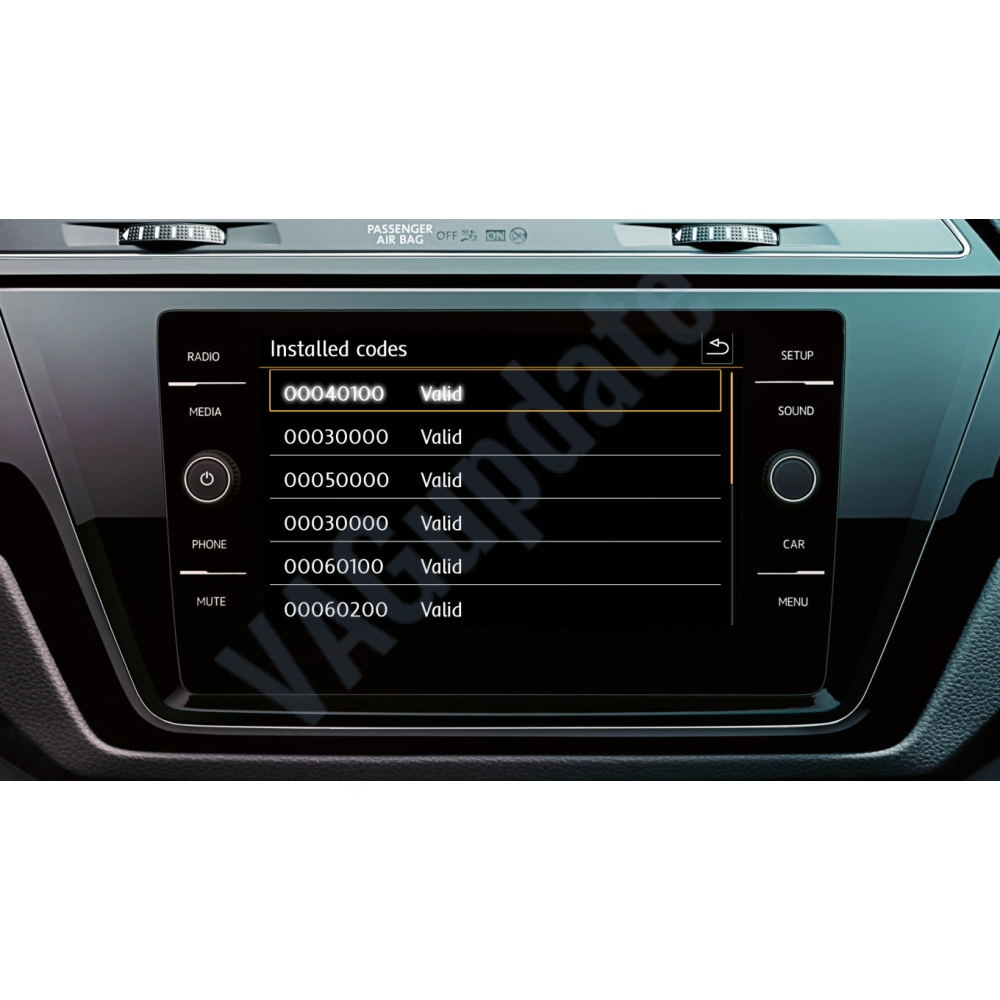
This service disables component protections and activates all your function in MIB Technisat/Preh or Harman brand infotainment system. We will connect your car, disable component protection and enable all available functions by using activation codes. Please check requirements below and feel free to contact us if you have any questions about the process:
Requirements:
- Any Delphi, Technisat or Preh brand MIB2 Std, Harman brand MIB2 High system (For Technisat/Preh MIB2 Std units without navigation only CP removal is available. For function activation please contact us.)
- Suitable for VW, Seat, Skoda and Audi systems.
For Harman MIB2 High and Delphi MIB2 Std units:
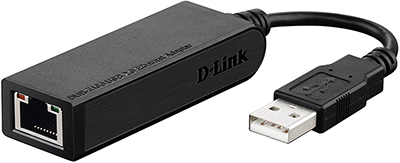
- D-Link DUB-E100 Network Card Adapter 10/100Mbps USB 2.0 to RJ45 Ethernet. (Product number: RUBE100BD1A) Click to Buy
- RJ45 Ethernet cable
- A computer with wifi internet connection and active RJ45 Ethernet port
- FAT32 formatted SD card (min capacity is 4GB)
For Technisat/Preh MIB2 Std units without navigation:
- VAS5054 diagnostic tool and odis service software. (Only CP removal is available for these units. For function activation please contact us.)
For Technisat/Preh MIB2 Std units with navigation:
- VAS5054 diagnostic tool and odis engineering software or VCP.
- FAT32 formatted SD card (min capacity is 4GB)
Activation is done by inserting official activation codes inside the unit. There is no expiration date for the functions. Lifetime warranty.
Only activation for Harman MIB2 High, Delphi MIB2 Std (with or without nav), Technisat/Preh units with Navigation function is compatible with retrofitted units. If you retrofitted Technisat/Preh unit without navigation function, remote activation is impossible. Only CP can be removed remotely.
We connect your PC via teamviewer and do the work. You can download teamviewer on: teamviewer.com