
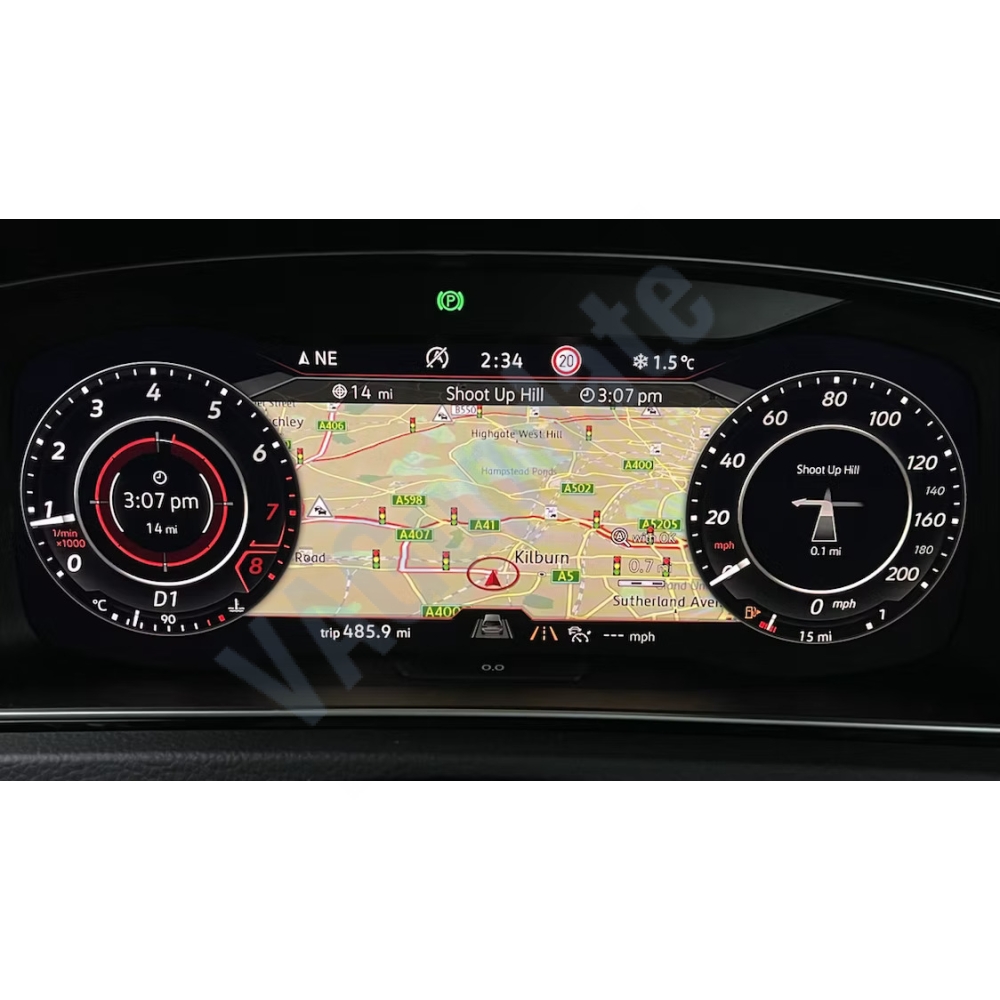
Speedcam Data for MIB2 and MIB2.5 High Devices
$19.90
Inc VAT $19.90
Viewed 3920 times
Product Description
Navigating the roads is always better when you're informed. If your vehicle is equipped with the advanced MIB2 or MIB2.5 High infotainment system—found in many premium VW, Audi, Skoda, and SEAT models—you have the power to integrate comprehensive speed camera and safety POI (Points of Interest) data right into your navigation! This isn't just about avoiding a ticket; it's about promoting safer driving habits by making you aware of potential hazards.

Supported units:
VW, Skoda, Seat, Man, Audi, Porsche
- ✔ Discover PRO MIB 1/2
- ✔ Columbus MIB 1/2
- ✔ Navi System Plus
- ✔ Media Van Business Navigation
- ✔ Discover Media
- ✔ Amundsen (MIB2 c 2015)
- ✔ Navi System
- ✔ Media Van Navigation
- ✔ RNS-510/810 (Firmware version 3xx +)
- ✔ RNS-E
- ✔ Porsche PCM4.1
- ✔ Audi MMI
- ❌ MIB3
- ❌ Delphi MST2_EU_VW_P0883D and newer
- *Audio alerts not supported for RNS-510
Audi:
- ✔ Audi A3/RS3 (8V)
MMI® Navigation plus with MMI® touch (4G)
MMI® Navigation (Facelift 2016 Update TPI 2045974) - ✔ Audi A4 (B9)
MMI® Navigation (from software version 0159)/ MMI® Navigation plus with MMI® touch (4G) - ✔ Audi A5 (ab MJ 2017)
MMI® Navigation / MMI® Navigation plus with MMI® touch (4G) - ✔ Audi A6 (C7 ab MJ2015)
MMI® Navigation plus with MMI® touch (4G) - ✔ Audi A7 (ab MJ2015)
MMI® Navigation plus with MMI® touch (4G) - ✔ Audi TT (ab MJ2015)
MMI® Navigation plus with MMI® touch (4G) - ✔ Audi Q2 (ab MJ2016)
MMI® Navigation plus with MMI® touch (4G)
MMI® Navigation (if earlier than week 45/2016 an update to version 0192 is required) - ✔ Audi Q5 (from year of manufacture 2017)
MMI® Navigation / MMI® Navigation plus with MMI® touch (4G) - ✔ Audi Q7 (ab MJ2015)
MMI® Navigation plus with MMI® touch (4G) - ✔ Audi R8 (ab MJ2016)
MMI® Navigation plus with MMI® touch (4G) - ❌ Audi A1
- ❌ Audi Q3
- ❌ Audi A4 Facelift 2019 and 2020
- ❌ Audi A6 C8 (from year of manufacture 2018)
- ❌ Audi A7 C8 (from year of manufacture 2018)
- ❌ Audi A8 D5
- ❌ Audi Q8
Audio alerts only guaranteed with the following models:
- Audi A3 8V (Facelift 2016) MMI Navigation & MMI Navigation plus with MMI touch (4G)
- Audi A4 (B9) MMI Navigation (software version 0159) & MMI Navigation plus with MMI touch (4G)
- Audi A5 F5 (from BJ 2017) MMI Navigation plus with MMI touch (4G)
- Audi Q2 (MJ2018) MMI Navigation
- Audi Q5 4M/FY MMI Navigation plus with MMI touch (4G)
- Audi Q7 4M MMI Navigation plus with MMI touch (4G)
- Audi RS3 (2018 Facelift) MMI Navigation plus with MMI touch with Virtual Cockpit
- Audi TT 8S Roadster (MJ2018) MMI Navigation plus with MMI touch (4G)
AUDI, Porsche PCM4.1 (Extended)
Extended Format
Fixed, mobile and average speed cameras (section control) are splitted by speed over a wider range.
Added separate categories for audio alerts to meet the 10 category limit.
DANGER: When updating points, all previously imported points are deleted and overwritten with new ones!
The assemblies are different, as the HIGH and STD navigation systems differ in capabilities.
The content can be expanded or shortened.
Cameras splitted by speed
Discover Media (Amundsen, Seat Navi, MAN Media Van Navigation) has two different builds.
- One with all fixed cameras in one category.
- The second - stationary cameras are splitted by speed.
Choose foryourself the most preferred option.
For Discover Pro (Columbus, Seat Navi Plus, MAN Media Van Business Navigation, Audi MMI) speed breakdown
always added. There is no need to use different assemblies.
You can select the "Cameras" category - these are all cameras in one category.
You can select cameras with speeds from 30 to 110 and you need to select the category "Camera (fixed) speed less then 30 and more then 110. In order to be able to meet the restriction of 10 categories, you can select a narrower range of cameras (50-100) and add to them category "Camera (fixed) speed less then 50 and more then 100. In this case, there will be slots for another 3 categories.
The category "Camera (fixed) speed less then X and more than Y" also includes stationary cameras that do not measure speed, for example, such as lane control or stop control.
Instruction (Discover Pro, Columbus, Seat Navi Plus, Van Business Navigation)
Download the archive
Unpack the archive to the root of the USB / SD (FAT32) drive (the metainfo2.txt file and the PersonalPOI folder are in the root)
Navigation - Settings - Storage management - Delete POI (not available if there are no items)
Navigation - Settings - Storage management - Update POI
Navigation - Settings - Map - Select categories of objects (maximum 10 categories)
Instruction (Discover Media, Amundsen, Seat Navi, Van Navigation)
Download the archive
Unpack the archive to the root of the USB / SD (FAT32) drive (the metainfo2.txt file and the PersonalPOI folder are in the root)
You can use the genuine SD with navigation
Navigation - Settings - Storage management - Delete POI (not available if there are no items)
Navigation - Settings - Storage management - Update POI
Navigation - Settings - Map - Select categories of objects (maximum 10 categories)
Instruction MMI Audi
Download the archive
Unpack the archive to the root of the USB / SD (FAT32) drive (the metainfo2.txt file and the PersonalPOI folder are in the root)
- Option 1
Select "System update" in the MMI settings in the menu (MENU - Setup MMI) - Option 2
MENU - Audi Connect - Software Update - Start map update now - Option 3
MENU - Navigation - turn the dial to the left and select "Special destinations".
Scroll to "My Audi special destinations" and click the dial to the right "Import My Audi special destinations".
Select the storage medium on which the data is stored
The update will be detected and the new POI's will be installed
To activate audio warnings (where applicable), proceed as follows:
Switch to map view.
Move the Audi MMI Touch dial once to the right to access the Options.
Go to Navigation Settings - Arrival Notification and activate both Display notification when nearby and Play notification tone.
Select "myAudi special destinations" and then the POI categories you wish to activate audio warnings for.
Troubleshooting
- Icons are displayed incorrectly.
- Delete POI. Reboot the device by long holding the power button. Update POI as instructed above. - Data for updating is not available.
- In most cases, the problem is with the drive. It is advisable to format it to FAT32 under Windows.
- Try another drive.
- The problem is also observed on "jailbroken" devices. - Began to hear a "glub" (the music is interrupted).
- It triggers a sound alert when approaching a POI with cameras. Disable through the menu "Nav > Setup > Navigation announcements > Note: My points of interest" - The icon was, but now it is not.
- System glitch. Passes by itself according to an incomprehensible algorithm
- Regular behavior of the system. If there are many objects in one place, then the system "collapses" them into one. You can zoom in and check.
Or by clicking on the icon, you can select "More objects" and the point will probably appear in the list - I have a Discover Premium (Touareg).
- Assembly is not suitable for Discover Premium. - I have MIB3 unit.
- Assembly is not suitable for MIB3. - I hear a sound alert, but there is no object icon.
- The sound alert works even for objects that are not selected for display (tested for MIB HIGH).