Lamborghini Infotainment Firmware Update

Lamborghini Infotainment Firmware Update

$150.00
Inc VAT $150.00
Product Code: LAMBOFW01
Sends From: USA, Netherlands, Turkiye
Availability: In Stock
Viewed 1266 times

Available Options

Tags:
Lamborghini firmware update Lamborghini infotainment update Lamborghini software update Lamborghini multimedia update Lamborghini CarPlay update Lamborghini Android Auto Lamborghini navigation update Lamborghini system software Lamborghini VIN firmware Lamborghini infotainment software

Product Description

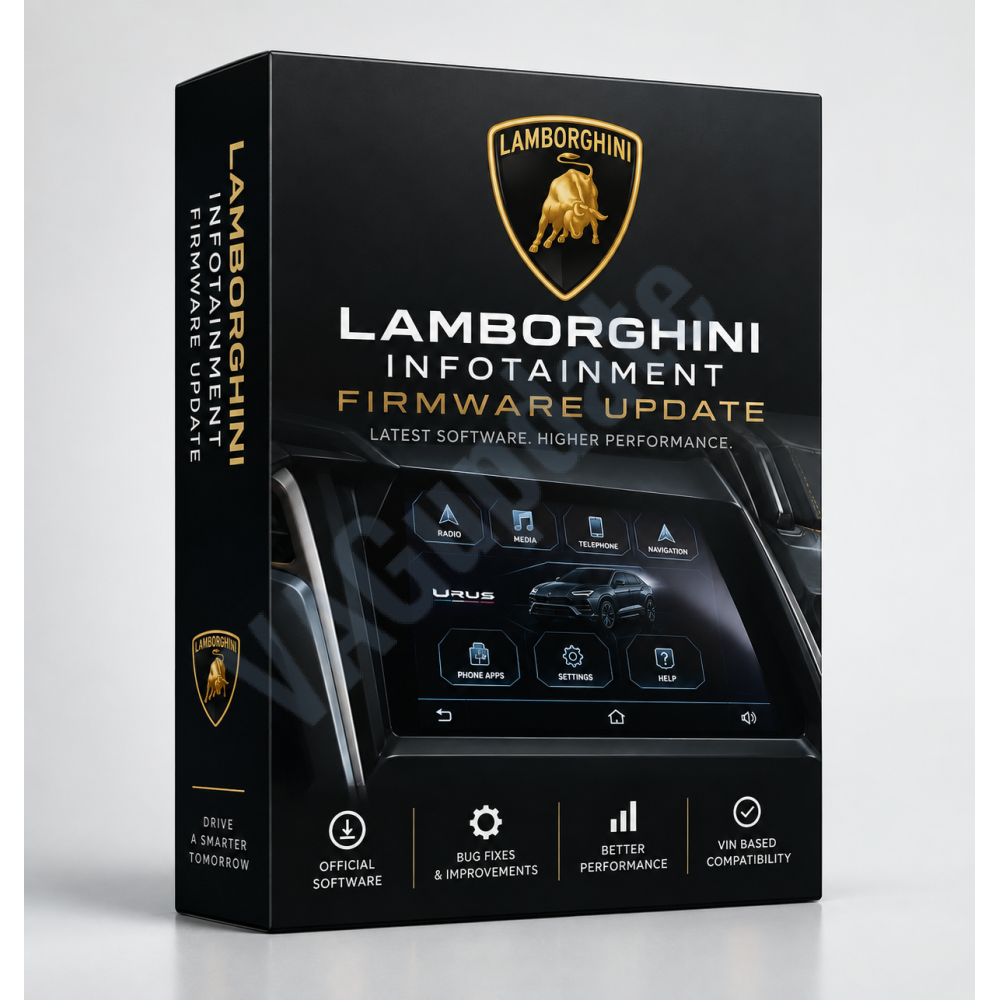
Lamborghini Infotainment Firmware Update
Full system software update selected according to your VIN and current software version

This product contains the full system firmware software for Lamborghini infotainment systems. You can upgrade your system to the latest compatible software version to benefit from manufacturer improvements, bug fixes and system optimizations.

Please contact us if you have any compatibility questions. Software is available for supported regions including the United Kingdom, European Union, Turkey and other applicable markets.

Digital Product
Nothing physical will be delivered. You will receive a download URL after your order has been processed.
How to Check Your Software Version

To check if a newer software version is available for your Lamborghini infotainment system:

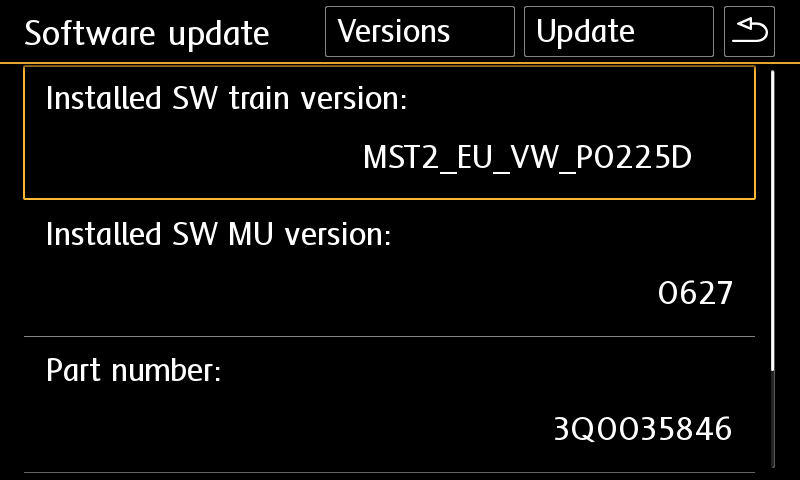
From the main menu, go to Settings → System Information and send us the complete Software Version information displayed on the screen.

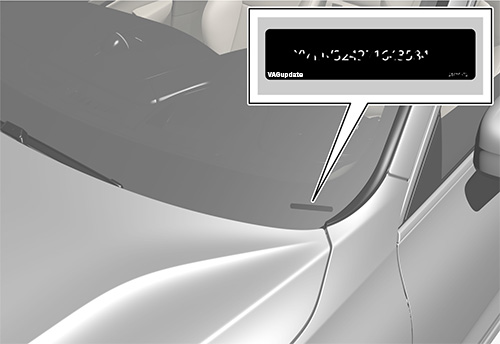
THE SOFTWARE IS SELECTED ACCORDING TO YOUR VEHICLE'S VIN AND CURRENT INFOTAINMENT SOFTWARE VERSION. YOU MUST PROVIDE YOUR VIN NUMBER AND CURRENT SOFTWARE VERSION WHEN ORDERING.
Improvements That May Be Included in the New Version
  • Apple CarPlay and Android Auto connection problems have been fixed or improved.
  • Bluetooth pairing, connection and disconnection problems have been improved.
  • Radio reception quality, station management and radio logo functionality have been improved.
  • Navigation performance and route calculation speed have been improved.
  • System freezing, restarting, lagging and stability problems have been fixed.
  • The time required for the infotainment system to become ready for use after switching on the ignition has been improved.
  • Translation and user interface errors have been corrected.
  • Touchscreen, display and control response times have been improved.
  • USB media playback stability has been improved.
  • Known system errors and software bugs have been fixed.
  • Audio system performance and output quality have been optimized.
  • General system performance, stability and compatibility have been improved.
Requirements
  • A compatible Lamborghini infotainment system.
  • An empty Class 10 SD card or USB flash drive formatted with the required file system. The required media type may vary depending on the infotainment generation. Newer systems may require USB Type-C media.
  • A computer to download the software package, extract the archive and copy the files to the SD card or USB flash drive.
  • A sufficiently charged vehicle battery. We strongly recommend using a suitable battery charger or power supply during the update process. Installation normally takes approximately 20-60 minutes depending on the infotainment system and the read speed of the SD card or USB flash drive.
Installation
1. Download the software package provided after your order has been processed.
2. Extract the downloaded archive to your computer using WinRAR, 7-Zip or similar archive software.
3. Locate the main folder containing the update files. Depending on the system, this folder may contain a metainfo2.txt file or meta and data folders.
4. Copy all required files and folders directly to the root directory of the SD card or USB flash drive. The update files must not remain inside an additional folder or compressed archive.
5. Insert the SD card into the appropriate SD card slot or connect the USB flash drive to a data-capable USB port in the vehicle. Do not use charging-only USB ports.
6. Open the infotainment system's engineering/service software update menu. The method used to access this menu varies depending on the Lamborghini model, model year and infotainment generation.
7. Select Software Update and choose the SD card or USB flash drive as the update source.
8. Follow the instructions displayed on the infotainment screen and start the update.
9. Do not switch off the ignition, remove the SD card or USB flash drive, or interrupt the vehicle's power supply while the update is in progress.
10. Once the installation has been completed, confirm the completion message. The infotainment system may restart several times during or after the update.
11. After the final restart, check the System Information menu to confirm that the new software version has been installed successfully.
Important
Firmware packages are selected specifically according to the vehicle's VIN, infotainment hardware and currently installed software version. Installing incompatible software may cause loss of functions or damage to the infotainment system.

If the VIN or software version provided with your order is incorrect, please contact us before starting the update.
Need help with compatibility or installation?
Please contact us before performing the update if you have any questions.
  • 0%
  • 0%
  • 0%
  • 0%
  • 0%

Reviews Over Lamborghini Infotainment Firmware Update

Total Reviews (0)
click here write review to add review for this product.